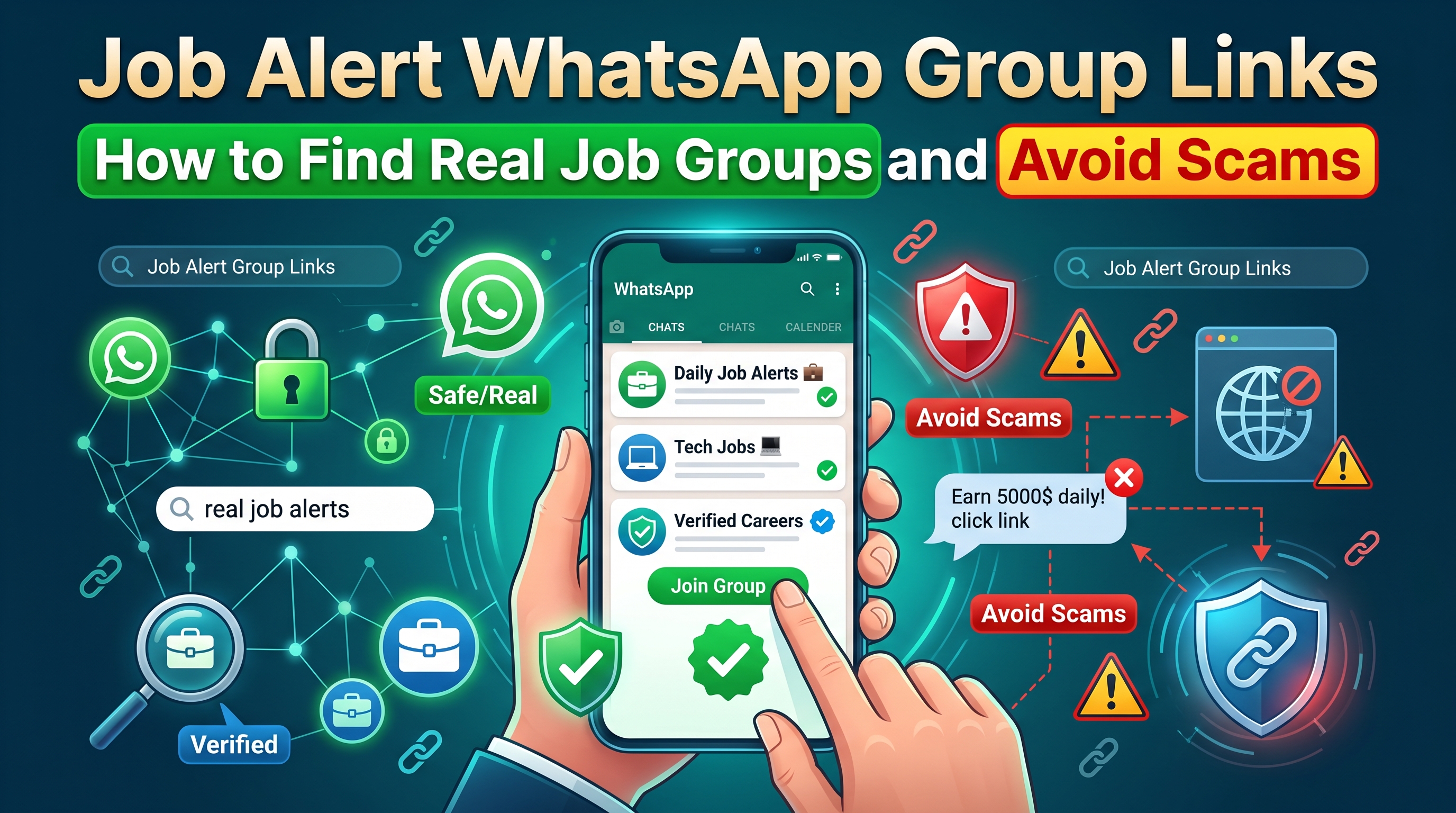
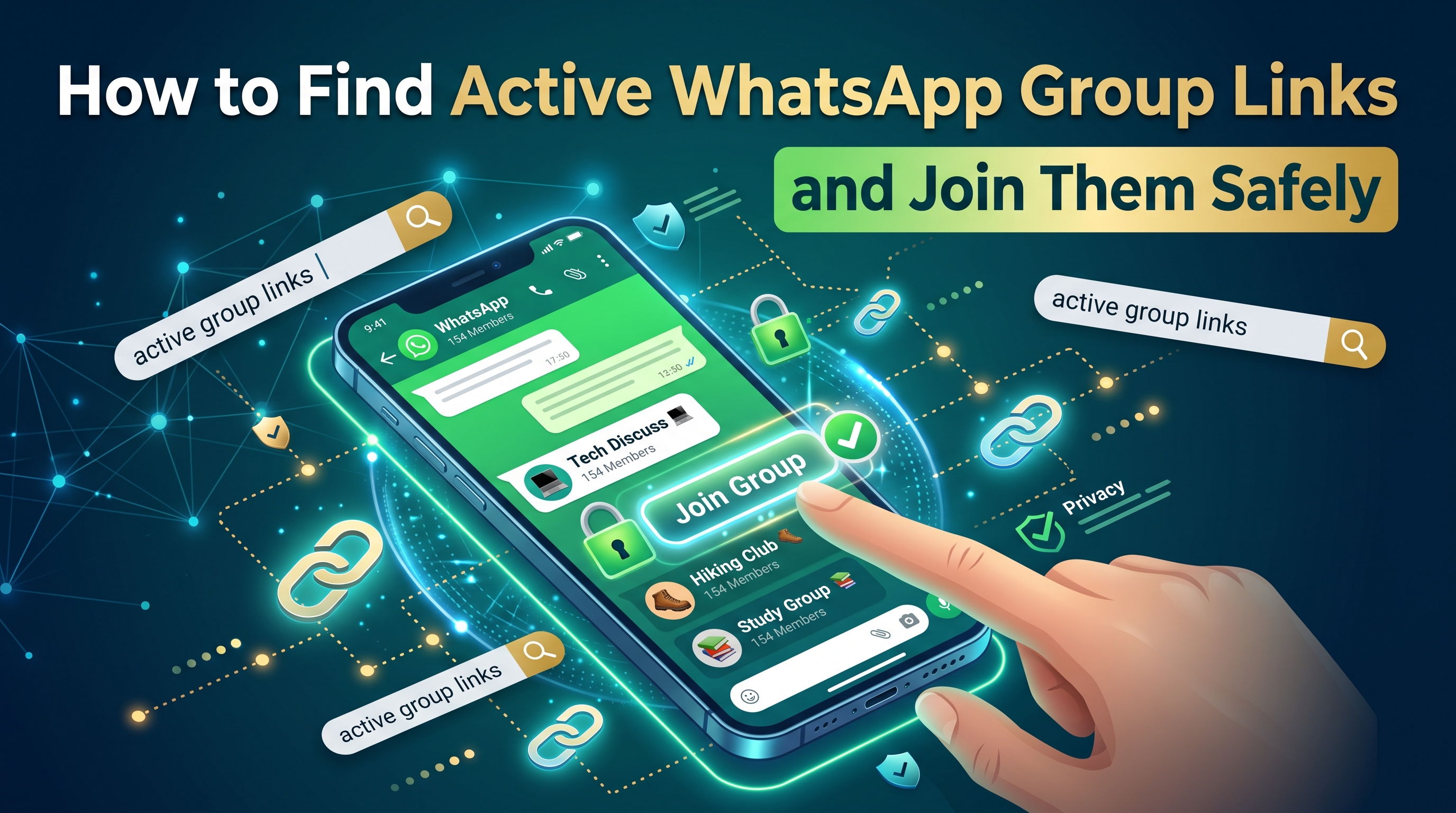
The Complete Guide to WhatsApp Groups: Find, Join, and Manage Communities

Ultimate Guide to WhatsApp Groups: How to Join, Find, and Stay Safe
Introduction
WhatsApp has grown far beyond simple one-on-one messaging. Today, WhatsApp groups serve as vibrant communities where millions of people connect, share interests, and collaborate on projects. Whether you're a sports enthusiast looking for live game discussions, a business professional seeking networking opportunities, or someone interested in cryptocurrency, there's likely a WhatsApp group waiting for you.
But with so many WhatsApp groups available, finding the right one can be overwhelming. This guide explains everything you need to know about joining, managing, and staying safe in WhatsApp groups.
Table of Contents
- What Are WhatsApp Groups?
- Types of WhatsApp Groups
- How to Join WhatsApp Groups
- Finding WhatsApp Group Links
- Popular Categories
- WhatsApp Communities
- Safety Tips
- Managing Groups
- Common Mistakes
- FAQs
What Are WhatsApp Groups?
WhatsApp groups are shared chat spaces where multiple users can communicate, share media, and collaborate in real time. Group administrators can manage members, set rules, and customize the group.
Key Features
- Large member capacity
- Media sharing
- Group administration
- Notification controls
- Group customization
Types of WhatsApp Groups
Sports WhatsApp Groups
Join discussions about football, basketball, cricket, esports, tennis, and more. Members share live scores, transfer news, fantasy league tips, and match analysis.
Business WhatsApp Groups
Connect with entrepreneurs, freelancers, marketers, and professionals. These groups are ideal for networking, sharing job opportunities, and business growth.
Crypto WhatsApp Groups
Discuss Bitcoin, Ethereum, NFTs, DeFi, and trading strategies. Always be cautious of scams and never share private wallet information.
Hobby & Interest Groups
Find communities dedicated to photography, gaming, books, cooking, fitness, travel, music, and hundreds of other interests.
Local Community Groups
Stay informed about local events, recommendations, and community activities in your city or region.
How to Join WhatsApp Groups
Method 1: Using a Group Link
Click a WhatsApp invite link, preview the group information, and tap "Join Group" to become a member instantly.
Method 2: Invitation from a Member
Existing members or administrators can invite you directly by adding your contact to the group.
Method 3: QR Code
Some administrators provide QR codes that can be scanned directly with WhatsApp to join the group.
Finding WhatsApp Group Links
Official Websites
Many organizations publish official WhatsApp group links on their websites and social media profiles.
Forums & Communities
Reddit, Facebook Groups, Quora, and niche forums often share legitimate WhatsApp communities.
WhatsApp Group Directory Websites
Dedicated directory websites categorize WhatsApp groups by niche, country, and topic.
Warning Signs
- Fake URLs
- Promises of easy money
- Requests for payment
- Spam-heavy groups
- Suspicious shortened links
Popular WhatsApp Group Categories
Sports
Football, Cricket, Basketball, Tennis, Esports
Business
Entrepreneurship, Freelancing, Marketing, Real Estate, Programming
Crypto
Bitcoin, Ethereum, NFTs, DeFi, Blockchain Development
Education
Language learning, university students, online courses, exam preparation.
Entertainment
Movies, Anime, Music, TV Shows, Memes.
WhatsApp Communities Explained
WhatsApp Communities allow multiple related groups to exist under one organization, making communication easier for schools, businesses, and large organizations.
Benefits
- Centralized announcements
- Multiple topic-based groups
- Better organization
- Scalable communication
Safety Tips
Protect Your Privacy
Never share passwords, banking information, private documents, or sensitive personal information inside WhatsApp groups.
Watch for Scams
Avoid investment scams, fake giveaways, phishing links, and impersonation attempts.
Use WhatsApp Privacy Settings
Adjust profile visibility, mute noisy groups, enable disappearing messages, and block suspicious users.
Managing Your WhatsApp Groups
Organize Your Chats
Archive inactive groups, favorite important chats, and customize notification settings.
Follow Group Rules
Respect administrators, avoid spam, stay on topic, and contribute valuable discussions.
Common Mistakes to Avoid
- Joining too many groups
- Clicking suspicious links
- Ignoring group rules
- Oversharing personal information
- Promoting unrelated products
Frequently Asked Questions
Is it safe to join WhatsApp groups?
Yes, provided you join trusted groups and avoid sharing sensitive information.
How many WhatsApp groups can I join?
There is no strict limit, but managing too many groups can become overwhelming.
Can I leave a group anytime?
Yes. Open the group information page and tap "Leave Group."
Are WhatsApp groups encrypted?
Yes. WhatsApp uses end-to-end encryption for both private and group conversations.
Conclusion
WhatsApp groups make it easy to connect with people who share your interests, whether in sports, business, education, entertainment, or technology. Join reputable communities, follow good online etiquette, protect your privacy, and enjoy meaningful conversations while avoiding scams and spam.