How to Find Active WhatsApp Group Links and Join Them Safely
How to Find Active WhatsApp Group Links and Join Them Safely
Finding active WhatsApp group links sounds simple until you tap one and land on "invite link revoked," or worse, join a group that floods your phone with spam. Whether you want an exam-prep circle, a job-alert group, or a local community chat, the difference between a lively group and a dead one comes down to a few checks you can do in under a minute.
This guide explains where public group links come from, how to tell a working link from a dead or risky one, and how to join without exposing more of your personal information than necessary. It also covers the privacy settings worth changing first, and a few tips for admins who want their own group to stay healthy. Everything here applies to ordinary WhatsApp groups that you join through an invite link.
What "Active" Actually Means for a WhatsApp Group
A group with 900 members can be completely silent, while a group of 60 can have useful conversation every day. Member count is the least reliable signal. What you want is regular, relevant conversation from many different people, not one admin posting forwards.
Useful signs of an active group include:
- Several different people posting within the same day, not only the admin.
- Replies that respond to earlier messages, which shows people are actually reading each other.
- A clear topic that most messages stick to, such as a single exam, city, or hobby.
- Visible group rules in the description or a pinned message.
- Recent dates on the latest messages when you scroll back after joining.
Keep in mind that you can only judge most of these after you join, because WhatsApp does not let you read a group's messages from the outside. That is why choosing carefully before you tap "Join" matters, and why leaving quickly is a perfectly reasonable response to a bad fit.
Where to Find Active WhatsApp Group Links
Group links are shared in many places, and quality varies widely. Some sources lean toward fresh, relevant links, while others are full of recycled, expired ones.
Public group directories
Directories collect links submitted by group admins and organize them by topic and location, which saves you from scrolling through random posts. A good starting point is to browse a category that matches your goal, for example the [INSERT FIRST INTERNAL ANCHOR TEXT, e.g. WhatsApp group categories on whatsshare.com], and then narrow down by country or language. Directories are convenient, but remember that a listing alone does not prove a group is active or well run. Treat every link as a starting point you still need to check yourself.
Communities you already trust
Links passed along by a friend, teacher, coworker, or an established social media page tend to be the safest, because someone you know can vouch for the group. Ask the person who shared it whether the group is still lively and who runs it.
Social platforms and forums
Topic pages on Facebook, Telegram, Reddit, and Instagram often post invite links. These are useful for niche interests, but they also attract scammers. Prefer posts that are recent, come from an account with a real history, and have comments from other people who joined.
How to Tell Working Links From Dead or Risky Ones
Invite links stop working for a few ordinary reasons. An admin may have reset the link, which instantly invalidates the old one. The group may have been deleted, or its admin may have removed the link on purpose. Large groups can also reach their member limit, in which case WhatsApp will not let anyone else in.
Dead links are an annoyance, but risky ones are the real concern. Use the comparison below before you join anything.
| What you check | Usually a good sign | Warning sign |
|---|---|---|
| Group name and description | Specific topic, rules listed | Vague name, promises of easy money or free giveaways |
| Who shared the link | A person or page you can identify | Anonymous post, repeated copy-pasted comments |
| Requests after joining | Introductions, topic questions | Asks for OTP codes, bank details, or "registration fees" |
| Message mix | Many members talking about the topic | Only forwards, ads, and links to other groups |
| Pressure | No rush, you can leave freely | "Join in 5 minutes," countdowns, threats of missing out |
If a link description or group name pushes you toward adult material, pirated content, or get-rich-quick offers, skip it. Those groups carry the highest risk of fraud, and joining them can expose you to content you did not ask for.
How to Join a WhatsApp Group From a Link
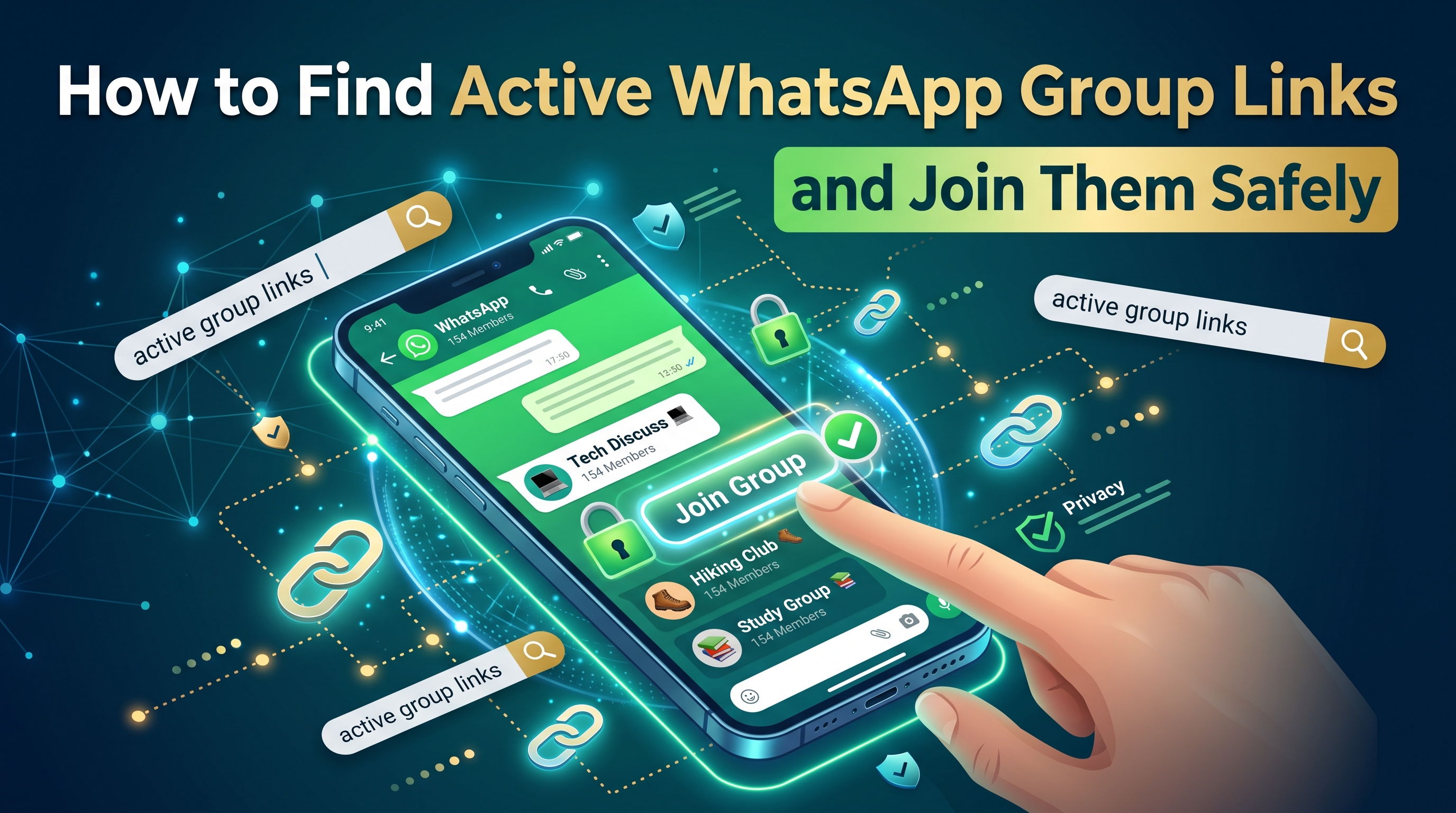
The process is the same whether the link came from a friend, a directory, or a social post. If you are wondering how to join a WhatsApp group from your Android phone, follow these steps:
- Make sure WhatsApp is updated. Older versions sometimes fail to open invite links properly.
- Tap the invite link. It should open WhatsApp and show the group name, the group icon, and some of the members.
- Read the preview. Check the name and picture. If anything looks off, back out without joining.
- Tap "Join group." In some groups, you may be asked to wait for an admin to approve your request.
- Read the description and pinned message before you write anything. Most groups put their rules there.
- Introduce yourself only if the group expects it, and avoid sharing personal details.
If you see a message that the link is invalid, expired, or revoked, the admin has changed it. You can look for a newer link from the same source or ask the person who shared it.
Muting while you decide
Busy groups can send hundreds of notifications a day. Mute the group for a week right after joining, then check back and decide whether it is worth staying. You can read the messages at your own pace without your phone buzzing constantly.
Protect Your Privacy Before and After You Join
Warning: your phone number is visible to other members. In most groups, members can see the numbers of other participants. Anyone in a large public group, including people you have never met, can find your number and message you directly. Join public groups only with a number you are comfortable sharing.
A few settings reduce this risk. Open WhatsApp, go to Settings > Privacy, and look at who is allowed to add you to groups, who can see your profile photo, and who can see your "About" text. Setting these to "My contacts" is a sensible default for most people. WhatsApp explains these controls in the [INSERT SOURCE TITLE, e.g. WhatsApp Help Center page on group privacy settings], and the exact menu names can change between app versions, so check the official page if your screen looks different.
Beyond settings, these habits help:
- Do not click unknown links posted in groups, even if they look like exam notes, job forms, or government schemes.
- Never share OTP codes, UPI PINs, passwords, or bank details with anyone, including group admins.
- Be careful with documents and APK files. Install apps only from the official store.
- Use a different profile photo than your main one if you prefer to stay low-profile.
- Leave and report groups that run scams or share illegal content.
Common Scams to Watch For in Group Chats
Scammers like large groups because one message can reach hundreds of people at once. They rarely look like scammers at first. Instead, they copy the language of whatever the group is about.
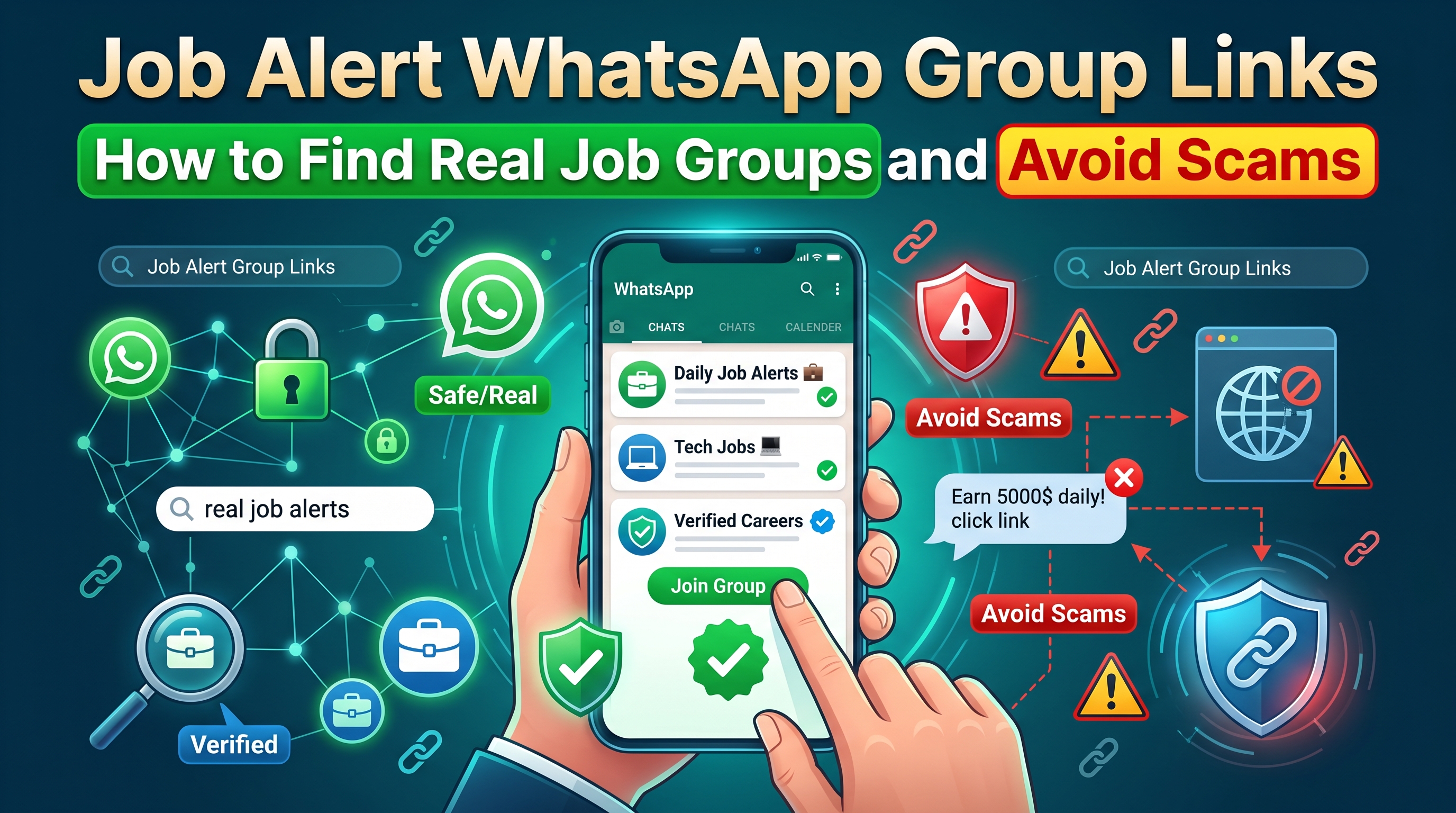
In job groups, the most common trick is a "vacancy" that asks for a small fee for training, a uniform, or a security deposit. Genuine employers do not charge you to apply. In exam-preparation groups, people may sell "leaked papers" or guaranteed results, which are almost always fake. In community and neighborhood groups, watch for messages that impersonate an admin and ask you to verify your account by sending a code.
Quick rule: any message that combines urgency with a request for money, a code, or a click should be treated as suspicious until you have confirmed it through a separate channel, such as calling the company on its official number.
Match the Group to Your Goal
The best group is the one that fits what you need right now. Searching with a clear goal saves time and cuts down on irrelevant chats.
- Study and exam preparation: Look for groups tied to one exam or subject, with rules about posting only relevant material. In India, this might be a specific competitive exam; in Pakistan, Nigeria, or Kenya, the equivalent might be a national or regional exam circle.
- Job alerts: Choose groups that share verified postings with company names and official application links, and avoid any that charge fees.
- Religious and cultural groups: Look for groups run by known organizations or community leaders who moderate discussions.
- Local communities: City or neighborhood groups work best when members share practical updates, like local events or services.
If you want groups relevant to your own country, browse the [INSERT SECOND INTERNAL ANCHOR TEXT, e.g. country-wise WhatsApp group listings] and filter by language or topic. Then apply the checklist above before you join any listing.
For Admins: Keeping Your Own Group Active and Safe
If you run a group and want to share its link publicly, a few habits make it more attractive and more useful.
- Write a clear description that names the topic, the language, and the main rules.
- Turn on admin approval for new members, if your WhatsApp version offers it, so you can screen requests.
- Reset your invite link if it has spread to places you do not want, such as spam sites.
- Remove spammers promptly and pin the rules so new members know what is expected.
- Encourage conversation, for example with a weekly question, rather than just posting announcements.
Refresh your listing when the link changes. A directory entry that points to a revoked link frustrates new members and makes your group look abandoned.
Quick Answers to Common Questions
Is it safe to join public WhatsApp groups?
It can be, if you treat them as public spaces. Use privacy settings, do not share sensitive information, and leave if the group feels wrong. No group is risk-free just because it looks busy.
Why does a link say it cannot be used?
The admin most likely reset it, or the group has been deleted or has reached its member limit. Ask for a fresh link from the original source.
Can I check if a group is active before joining?
Not directly. You can check who shared the link and when, then confirm activity after you join by scrolling through recent messages.
Final Thoughts
Finding active WhatsApp group links is less about luck and more about checking a few things in a consistent order: the source of the link, the group's description, the mix of people talking, and what the group asks of you. Set your privacy options before you join, mute notifications while you evaluate, and walk away from anything that asks for money or codes. Do that, and the right group for your studies, job search, or community is usually only a few taps away.